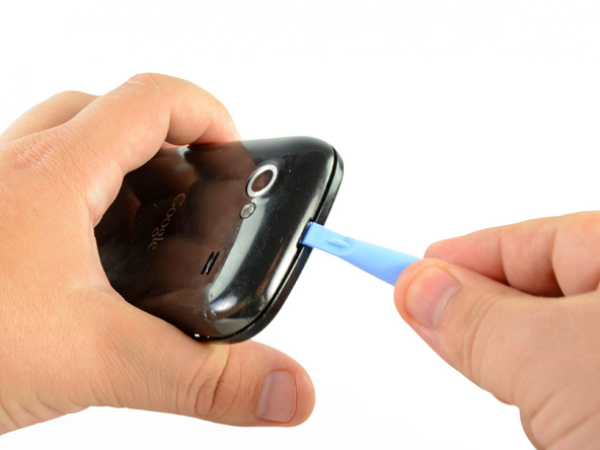
Carefully insert a plastic opening tool between the rear panel and the inner rear frame near the rear-facing camera.
Pry up the rear case around the edges of the Nexus S using your plastic opening tool.
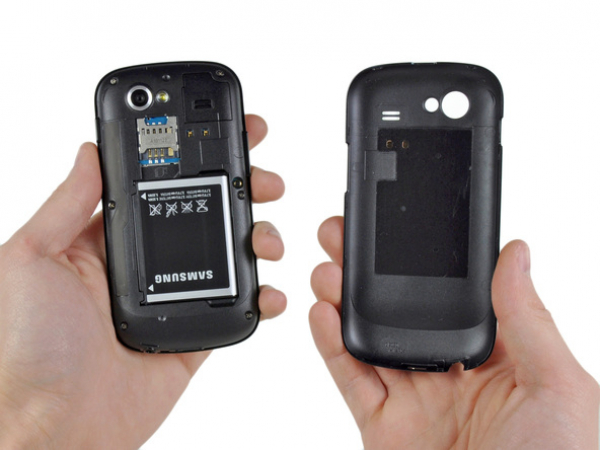
Now, the rear panel can be removed from the Nexus S.
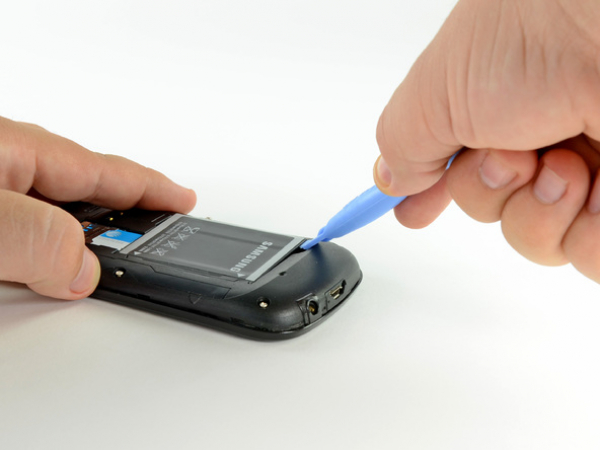
Lift the battery from the end closest to the headphone jack using the edge of a plastic opening tool.
Now the battery can be removed from the Nexus S.

 Få penger for din gamle mobil
 Lag ditt egetdeksel og gadgets
 Ordrestatus
 Min Club Trendy