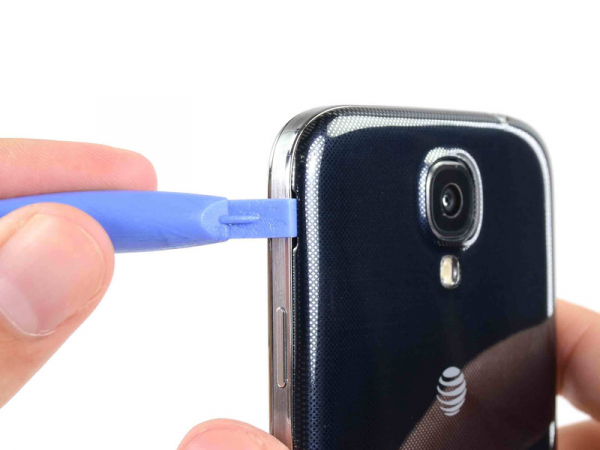
Insert our opening tool in the recess to the left of the back-facing camera, in the area around power button.
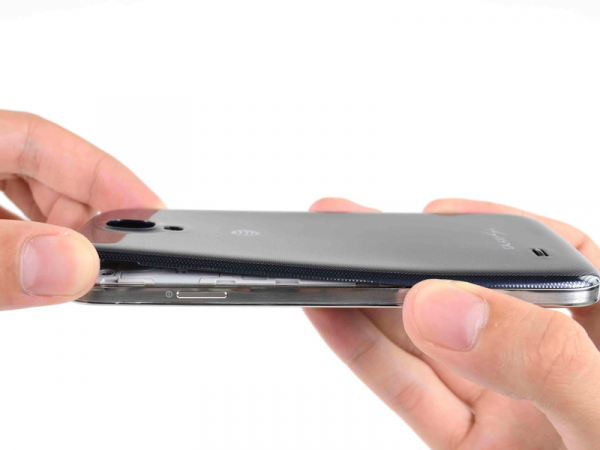
Take the back case by the corner nearest the recess, lift it and remove it from the phone.
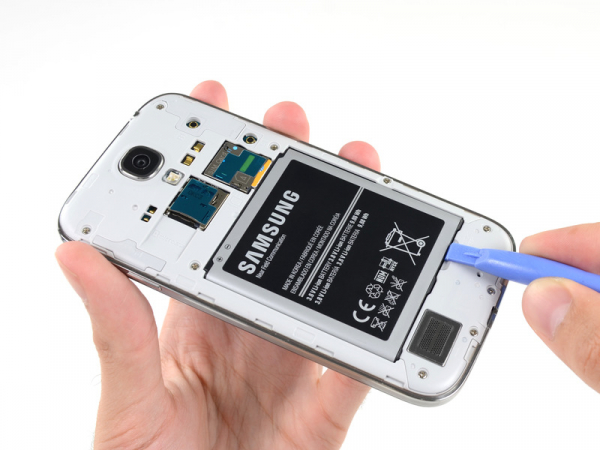
Insert our opening tool into the notch of the battery compartment and lift the battery.
Remove the battery from your phone.

 Få penger for din gamle mobil
 Lag ditt egetdeksel og gadgets
 Ordrestatus
 Min Club Trendy